
How to Write Weather Alerts for Social Media That People Actually Share
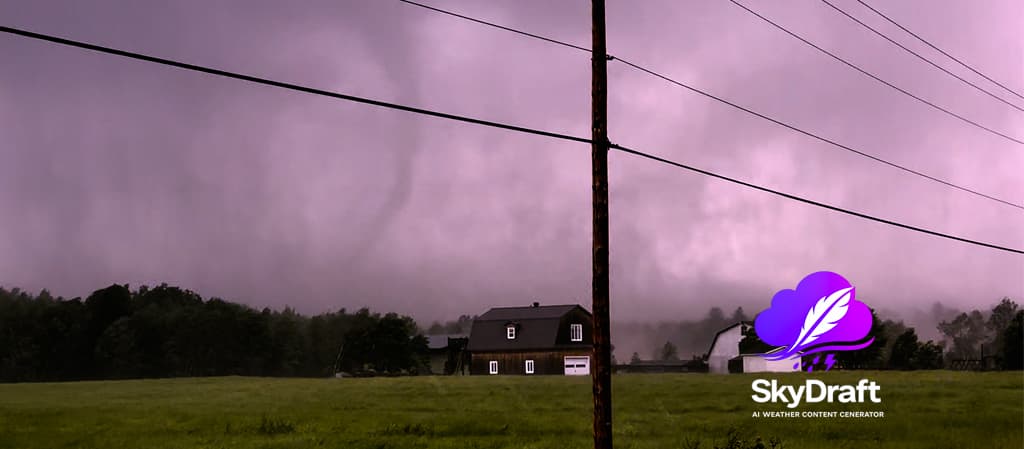
A tornado warning just dropped. A major winter storm is closing in. An aurora is lighting up the sky. You have the information — but how do you write a social media post that actually gets read, shared, and acted on?
Most weather alerts on social media fail not because the information is wrong, but because they're written the wrong way for the wrong platform. This guide covers the practical techniques that meteorologists, storm chasers, and weather journalists can use to write posts that cut through the noise.
1. Lead with the impact, not the data
The most common mistake is starting with the meteorological data. Your audience doesn't open social media looking for isobar analysis — they want to know if they should cancel their plans.
Don't write:
A 994 mb low-pressure system tracking northeast at 35 km/h is expected to produce 15-25 mm of precipitation across the region between 1800Z and 0600Z.
Do write:
⚠️ Heavy rain moving in tonight. Expect 15–25 mm between 6 PM and 6 AM — roads will be slick by the evening commute. Stay alert.
Same data. Completely different impact. The second version answers the one question every reader has: "Does this affect me, and what should I do about it?"
2. Match the platform to the urgency level
Not every platform works for every type of alert. Here's a quick breakdown of what works where:
- Twitter / X — Best for active, fast-moving events (tornado warnings, live storm tracking). Keep it under 280 characters. One clear action per tweet. No paragraphs.
- Facebook — Better for broader community alerts and winter storm prep. Longer format is fine. Bullet points work well. Encourage sharing explicitly ("Tag someone who needs to see this").
- Instagram — Visuals first. Pair radar screenshots or storm photos with a caption that explains what people are seeing. Hashtags matter here more than anywhere else.
- Newsletter / Email — Ideal for weekly summaries, outlooks, and in-depth analysis. Your most engaged readers live here. Write like you're talking to a colleague.
3. Use urgency cues — but earn them
Words like "urgent," "imminent," and "life-threatening" are powerful — and they lose their power the moment you overuse them. Reserve strong urgency language for events that genuinely warrant it.
A useful framework: match your urgency language to the official alert level.
- Watch → "Conditions are developing. Stay informed."
- Advisory / Statement → "Be prepared. Here's what to expect."
- Warning → "Take action now. This is happening."
Audiences learn to trust (or distrust) your urgency signals over time. Consistency builds credibility.
4. Hashtags: strategic, not decorative
Hashtags serve two purposes on most platforms: discoverability and community. Neither purpose is served by throwing 20 generic tags on every post.
A few principles that actually work:
- Location-specific hashtags outperform generic ones. #OklahomaStorm reaches people who care. #weather reaches everyone and no one.
- Event hashtags create threads. When a major event is unfolding, a shared hashtag (like #HurricaneMilton) allows your posts to be found by people actively following the event.
- 3–5 hashtags on Twitter. 8–15 on Instagram. More than that looks like spam on most platforms.
- Skip the hashtag on Facebook. Organic reach on Facebook is driven by engagement signals, not hashtag discovery. One or two maximum.
5. Timing is everything — especially for warnings
An alert posted two hours after the event starts is noise. An alert posted as conditions develop is valuable. The challenge for most weather communicators isn't knowledge — it's speed.
This is where preparation beats reaction. A few things that help:
- Pre-write template structures for common event types. You shouldn't be writing "Freezing rain warning — here's what to expect" from scratch when it's already icing outside. Have the bones ready. Fill in the specifics.
- Set up alert notifications. NOAA's API and Environment Canada both offer near-real-time alert feeds. Follow them. Be first.
- Don't wait for perfect data. "Heavy snow developing — more details in 30 minutes" is better than a perfectly crafted post that arrives after your audience already knows.
6. Always tell people what to do next
Every weather post should end with a clear next action. Not "stay safe" (too vague). Not a wall of safety tips (too overwhelming). One clear, specific action.
- "Check your local emergency alerts before leaving the house."
- "Move your vehicle off the street before 10 PM tonight."
- "If you're in Zone A, now is the time to evacuate."
- "Bookmark this page for live updates every 30 minutes."
Specificity is what turns a weather update into a useful piece of public communication.
The fastest way to apply all of this
Writing weather content that hits all these marks — right tone, right platform, right urgency level, right hashtags — takes practice. And when conditions are developing fast, you don't always have time to get it right from scratch.
That's the gap SkyDraft was built to fill. You enter the location, the event, and any key facts. SkyDraft generates a full post, a short version, a headline, and platform-appropriate hashtags in seconds — adapting automatically to the tone and format of the platform you're writing for.
You can also import live weather data directly from NOAA/NWS or Environment Canada, or upload a radar screenshot and let the AI extract the event details for you. The result: publish-ready content in under 30 seconds, even when conditions are moving fast.
Try SkyDraft free — 10 generations per month, no credit card required.
— The SkyDraft Team
Ready to try SkyDraft?
5 free generations per month. No credit card required.
Create your free account →